Skip to content
Clark & Soma

BAS Modernization

Modernize the building automation system as one coordinated effort: rebuilt operator graphics, control-database and point-naming cleanup, sequence review, and alarm and trend tuning, phased so the building keeps running on the controllers you already own.

What this includes

One coordinated modernization effort, not separate purchases.

Graphics modernization
Rebuild dated, cluttered operator graphics into clear, fast screens: readable floor plans, equipment pages, alarms, and trends on the controllers you already own.
Database cleanup
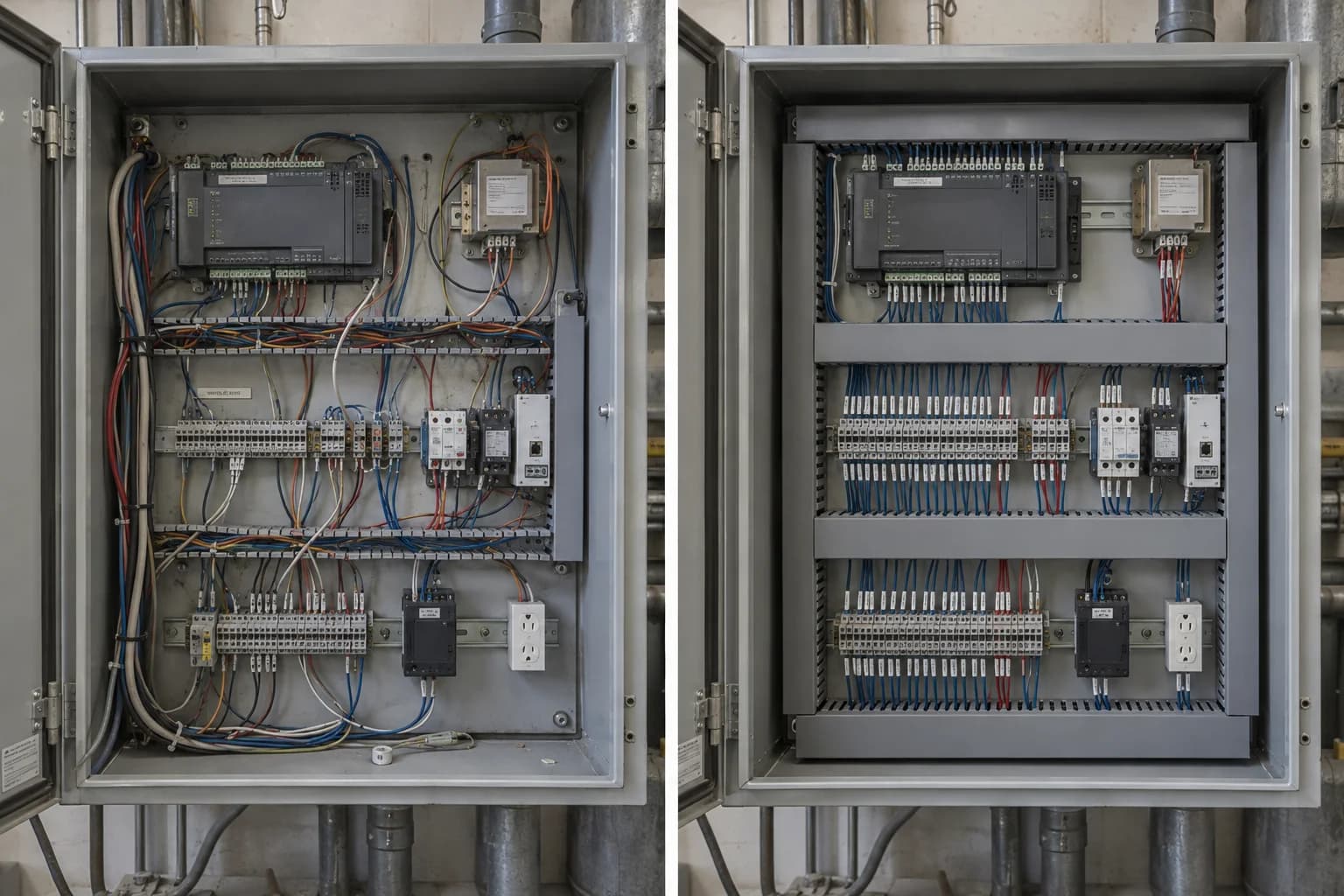
Clean up the control database so points, schedules, and references are consistent and maintainable instead of accreted over years of changes.
Point naming and mapping cleanup
Standardize point names and mappings so operators and the next contractor can actually read the system.
Sequence review
Review sequences of operation against the design intent and how the building actually runs, and correct what has drifted.
Alarm and trend cleanup
Rationalize alarms so the important ones are not buried, and set up trends that document behavior and support troubleshooting.
Operator workflow improvement
Improve navigation and operator workflows so finding and resolving an issue takes seconds, not a hunt through legacy screens.
Legacy migration planning
Plan the migration off obsolete controllers and software in phases, retiring what is unsupported without an unnecessary rip and replace.
Before and after
See the difference side by side: the legacy screens on the left, the modernized operator graphics on the right.

Protocol, equipment, and network integration is handled under Integration & Protocol Support.

Before / after
Side-by-side comparison of an air handler screen: a dated legacy SCADA window for AHU-1 on the left versus a modern, dark-themed BMS dashboard on the right showing the same unit online with supply-air temperature, fan status, valve and damper positions, active alarms, and a supply-air-temp trend.
What modern operator screens look like
Building cutaway flanked by legacy BMS graphics on the left (faulty, outdated, limited-data screens) and modern BMS graphics on the right: live floorplan graphics, equipment pages, alarms, and trends.
Live readout · sample data

Screens that keep up.

Modern operator screens render the whole building in well under a second — equipment, alarms, and trends a tech reads at a glance, on the controllers you already own.

Sample demonstration readout. Operator screen load time approximately 0.4 seconds; 48 screens published; 1,240 points bound; mobile view ready.
SCREEN · LOADLIVE
0.4s
SCREENS · LIVE48PUBLISHED
POINTS · BOUND1,240OK
VIEWMOBILEREADY

What you get

Clear, readable operator graphics on your existing controllers

A clean control database with consistent point naming

Reviewed sequences, schedules, and rationalized alarms and trends

A modernization path that retires what is obsolete without an unnecessary rip and replace

How it works

  1. 01

    Assess

    Document the existing graphics, points, schedules, sequences, and alarms.

  2. 02

    Plan

    Define a phased modernization path and risk controls.

  3. 03

    Modernize

    Rebuild graphics, clean the database, and tune sequences and alarms in stages.

  4. 04

    Commission

    Verify every sequence against the design intent and hand off documentation.

Common questions

Do you replace our controllers?

Not unnecessarily. Modernization runs on your existing control hardware wherever the hardware still supports the work.

Can you phase the work?

Yes. Modernization is planned in stages so the building keeps operating throughout.

Where do graphics and database cleanup fit?

Both are components of BAS Modernization: rebuilt operator graphics and a cleaned-up, consistently named control database are part of the same coordinated effort, not separate purchases.

Ready to modernize your building systems?